

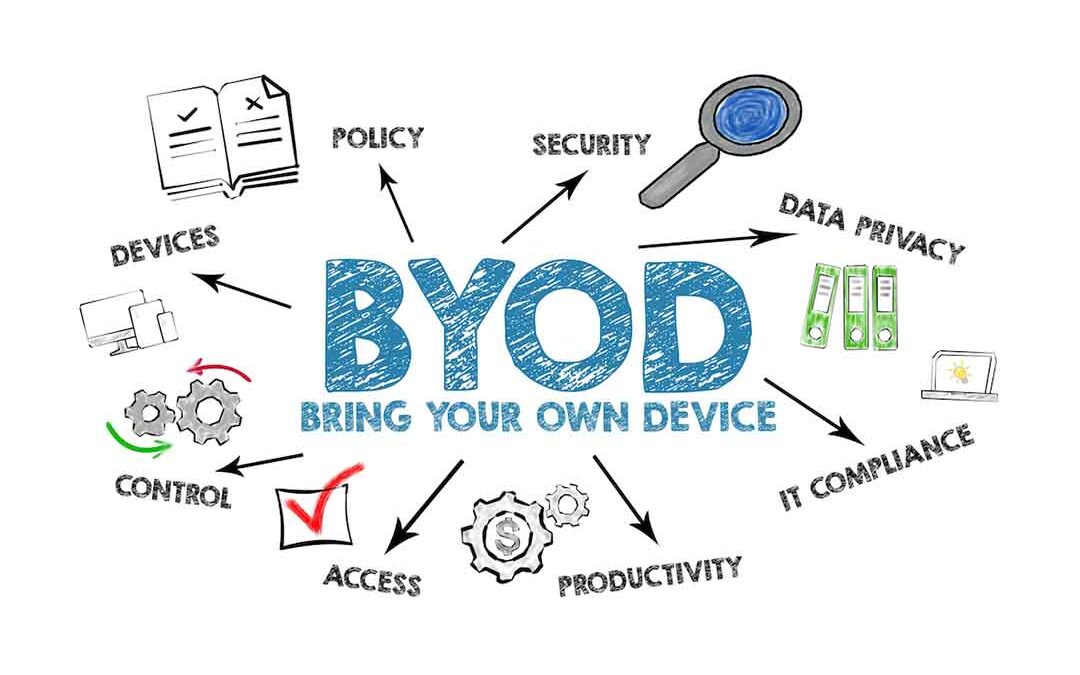
Employees carry powerful computing devices in their pockets every day. Smartphones, tablets, and laptops have become essential tools for both personal and professional tasks. BYOD, or Bring Your Own Device, transforms these personal devices into business assets by allowing employees to use their own technology for work purposes. With a projected market value of USD 308 billion by 2030, organizations worldwide are adopting BYOD policies to harness the computing power employees already own and prefer. Rather than maintaining separate devices for work and personal use, BYOD creates a unified approach where employees access company resources through their familiar devices. Security concerns once made this approach seem risky, but innovative cybersecurity solutions now enable businesses to protect sensitive data while giving employees the freedom to work on their preferred devices.
BYOD Policy: How Does it Work?
A BYOD policy establishes clear guidelines for using personal devices in the workplace. Acceptable use provisions define which applications and websites employees can access on devices that contain company data. Organizations specify approved device types and operating system versions to maintain compatibility with corporate systems.
Security measures form the foundation of any BYOD policy. Organizations typically implement mobile device management (MDM) software to separate personal and business data on each device. Encryption protocols protect sensitive information, while remote wipe capabilities allow IT teams to remove company data if a device is lost or stolen. Multi-factor authentication (MFA) adds another layer of protection by verifying user identity before granting access to corporate resources.
Employee responsibility plays a crucial role in BYOD success. Workers must keep their devices updated with the latest security patches and report any loss or theft immediately. They agree to allow IT departments to install security software and accept that business data may be removed from their devices when they leave the company. Employees also acknowledge that their devices may undergo security audits to ensure compliance with company policies.
7 Benefits of BYOD
Flexibility and Convenience
BYOD eliminates the juggling act between multiple devices. Employees can seamlessly transition from office to home without switching between company and personal technology. They can respond to urgent matters from anywhere using the device they always carry, making remote work and after-hours support more manageable.
H3: Reduced Cost
Organizations save significantly on hardware purchases when employees provide their own devices. Companies avoid the expense of buying, maintaining, and replacing corporate-owned equipment. These savings extend beyond initial purchases to include reduced storage needs, lower insurance costs, and decreased equipment disposal expenses.
Increased Productivity
Employees work faster on devices they know well. Familiar interfaces and customized settings eliminate the learning curve associated with new technology. Workers can leverage their preferred apps and workflows, leading to quicker task completion and fewer technical delays.
Access to State-of-the-Art Technology
Employees often upgrade their personal devices more regularly than companies refresh corporate hardware. BYOD naturally keeps the workforce equipped with current technology without organizational investment. Newer devices typically offer better performance, improved battery life, and enhanced features that benefit work tasks.
Less Training Time
Personal device familiarity dramatically reduces training needs. Employees already know how to navigate their operating systems, manage files, and troubleshoot basic issues. IT departments can focus on security protocols and company-specific applications rather than basic device operation.
Easier to Update
Software updates happen more consistently on personal devices. Employees have a vested interest in keeping their own technology current and functional. Automatic update settings on personal devices ensure that security patches and feature improvements are installed promptly.
Greater Employee Satisfaction
Choice drives satisfaction. Employees appreciate the trust companies show by allowing personal device use. They value the convenience of carrying one device instead of two and enjoy working with their preferred technology brands and ecosystems.
5 Challenges of BYOD
Complex IT Support
Supporting diverse devices creates technical challenges. IT teams must accommodate various operating systems, screen sizes, and hardware configurations. Troubleshooting becomes more complicated when problems could stem from personal apps, settings, or hardware issues outside an IT team’s usual scope.
Limited IT Control of Devices
Personal devices remain under employee ownership, restricting IT authority. Departments cannot mandate specific configurations or prevent installation of potentially problematic applications. Balancing security needs with personal freedom can create ongoing tension in policy enforcement.
Increased Security Risks
Multiple device types and operating systems expand the attack surface for cyber threats. Personal devices may lack enterprise-grade security features or connect to unsecured networks. Mixing personal and business data on one device increases the potential impact of any security breach.
Possible Compliance Concerns
Regulatory requirements complicate BYOD implementation. Healthcare, finance, and other regulated industries must ensure personal devices meet strict data protection standards. Proving compliance becomes challenging when sensitive data resides on devices outside direct corporate control.
H3: Employee Privacy Comfortability
Workers worry about employer access to personal information. They may resist security software that monitors device activity or allows remote data deletion. Finding the right balance between protecting company assets and respecting personal privacy remains an ongoing challenge.
How to Execute a BYOD Policy
Successful BYOD implementation starts with clear expectations. Define which roles qualify for BYOD participation and establish minimum device requirements. Create written agreements that outline both company and employee obligations regarding device use, security compliance, and data protection.
Employee training ensures policy effectiveness. New hires should receive BYOD orientation during onboarding that covers security protocols, acceptable use guidelines, and support procedures. Regular refresher training keeps all employees aware of evolving threats and updated policies. Provide clear instructions for setting up devices, accessing company resources, and reporting security incidents.
Develop a BYOD Policy with Cynergy Tech
Your BYOD policy should strengthen security without sacrificing the flexibility your employees need. With over forty-two years of experience providing cutting-edge IT solutions for businesses of all sizes, Cynergy Tech has helped countless organizations successfully navigate the transition to BYOD. Our network security services assess your infrastructure, identify vulnerabilities, and design comprehensive security protocols that meet your industry’s compliance requirements. We implement mobile device management solutions and establish secure access controls to keep your BYOD program protected against evolving threats. Schedule your free consultation today and discover how our tailored approach can transform your workplace technology strategy.
Resources:
Bring Your Own Device Market Size & Share Report, 2030